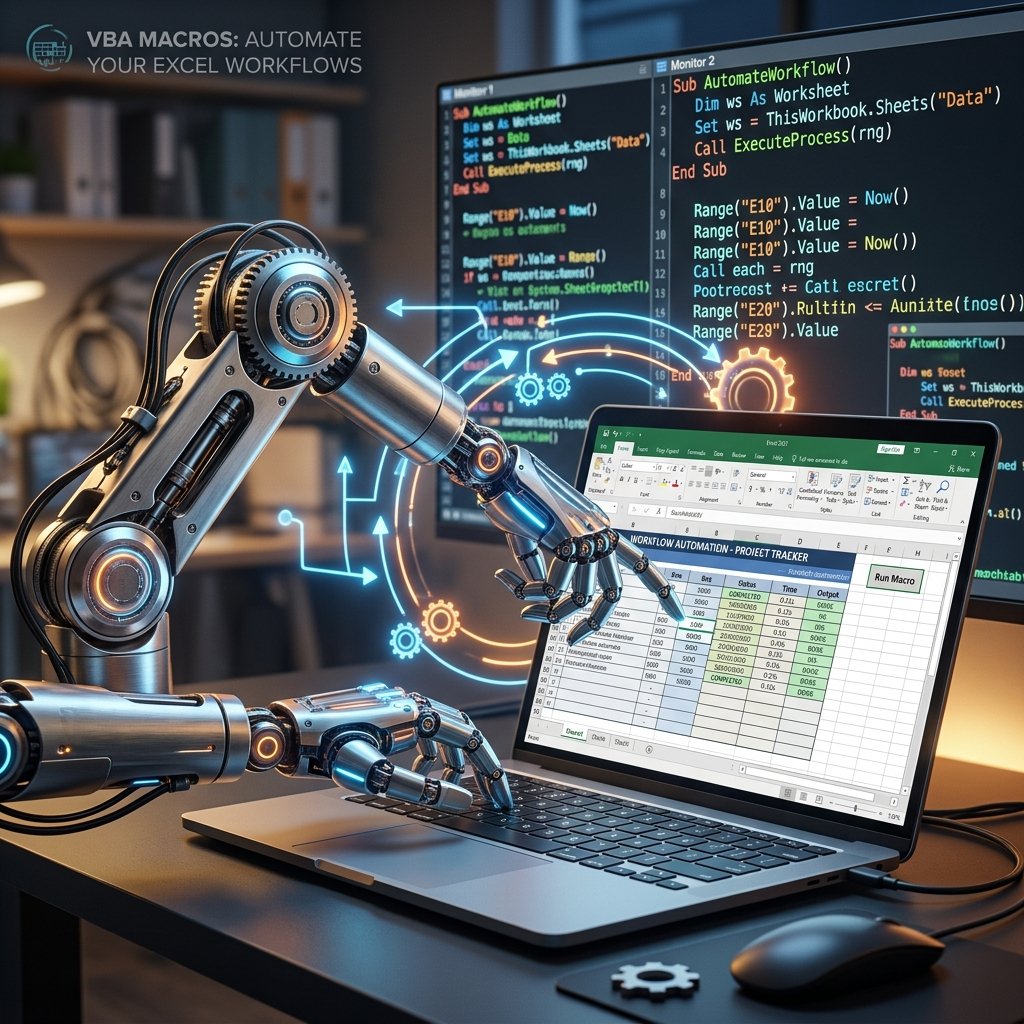
The Magic of Automation
Imagine coming into the office on Monday morning, opening an Excel file, clicking one button, and watching as Excel automatically imports data, formats headers, generates 15 pivot tables, saves PDFs, and emails them to your boss—all while you sip your coffee.
That is the power of VBA (Visual Basic for Applications).
What is VBA?
VBA is the programming language built into Excel (and all Microsoft Office apps). A "Macro" is simply a sequence of instructions written in VBA. While Power Query has replaced VBA for data cleaning, VBA remains the undisputed king of workflow automation.
Getting Started: The Macro Recorder
You don't need to be a programmer to start using VBA. Excel has a built-in "Macro Recorder" that literally records your mouse clicks and keystrokes, and translates them into VBA code.
If you find yourself formatting a report the exact same way every week, turn on the recorder, do the formatting once, stop the recorder, and you'll never have to do it manually again.
Moving Beyond the Recorder
The recorder is great, but it is rigid. To unlock true power, you must learn to read and write VBA code in the Visual Basic Editor (VBE). Key concepts include:
- Variables: Storing data in memory for later use.
- Loops (`For Each`, `Do While`): Telling Excel to repeat an action. E.g., "Loop through all 50 sheets in this workbook and print them."
- Conditional Logic (`If...Then`): Telling Excel to make decisions. E.g., "If cell value > 100, color it red."
Automating Across Applications
Because VBA is an Office language, it can control other apps. You can write an Excel Macro that drafts a PowerPoint presentation based on spreadsheet data, or an Excel Macro that loops through a list of email addresses and sends personalized emails via Microsoft Outlook.
Learn VBA, and become the magician of your office.